How Customers Buy from Your ChatPadi Store (Step by Step)
How Customers Buy from Your ChatPadi Store (Step by Step)
Understanding what your customer experiences from the moment they discover your store to the moment their order arrives helps you set up your store to convert better, write descriptions that answer the right questions, and understand what Ama is handling on your behalf. This is the full customer journey, explained in detail.
Every article on this blog talks about what ChatPadi does for sellers. This one focuses on the other side: what the customer experiences. If you have never bought from a ChatPadi store yourself, this guide gives you a precise picture of what your customers see, what they are asked to do at each step, and what happens automatically after they pay.
Understanding this journey from the customer’s perspective helps you write better product descriptions, set appropriate policies, and share your store link in the right places. You can also try the full experience yourself at chatpadi.com/store/demo.
How a Customer Discovers Your Store
Before a customer can buy, they need to find your store. Unlike a traditional e-commerce website that relies on Google search traffic, ChatPadi stores are primarily discovered through the links you share across your social media and messaging channels.
The most common discovery paths for ChatPadi customers:
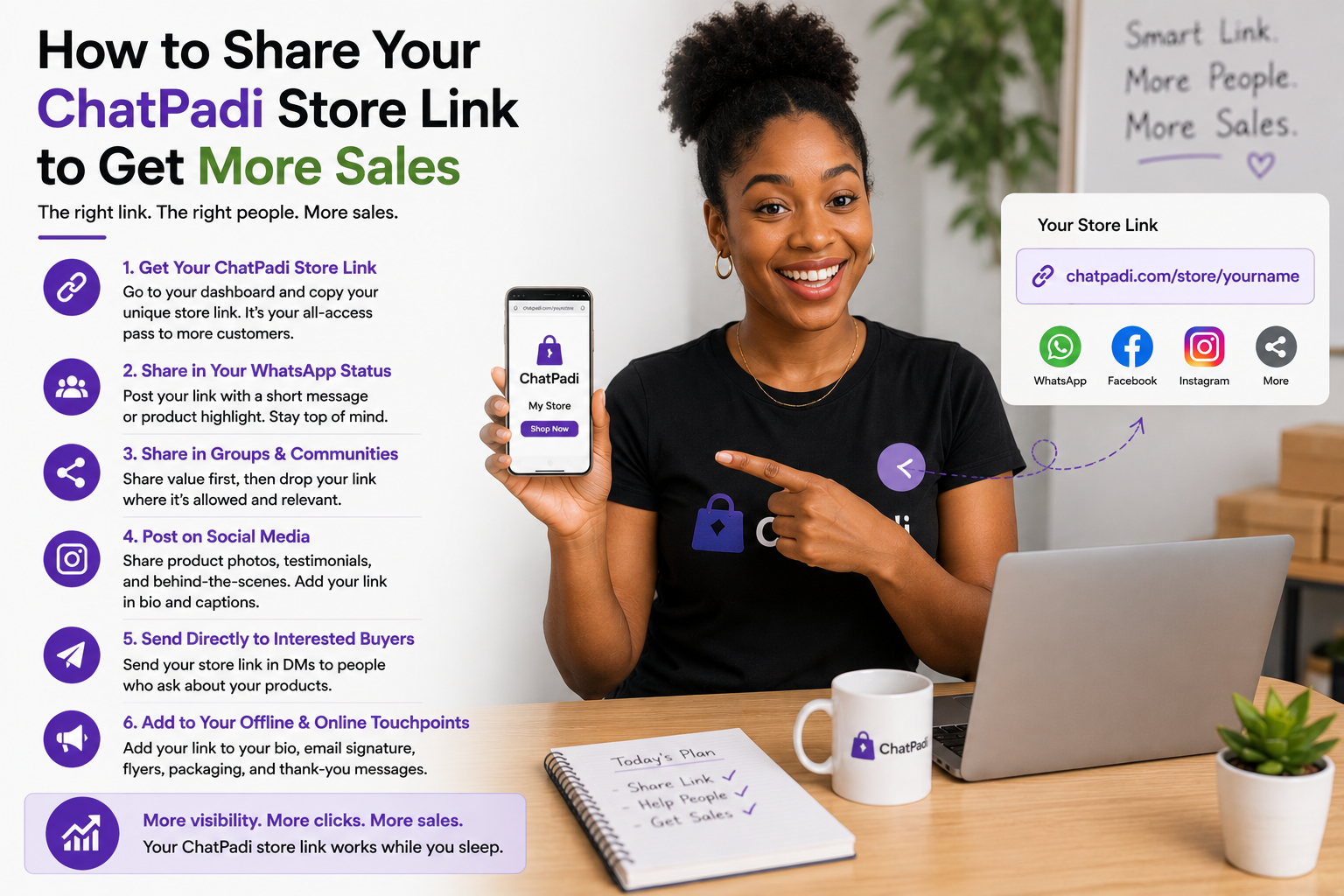
- Instagram bio: Customer sees your post, visits your profile, taps the link in your bio. If your bio clearly describes what you sell and the link destination is your ChatPadi store, this is a direct path from content to conversation. The guide on why your Instagram bio link matters covers how to make this path as effective as possible.
- WhatsApp status: Customer sees a product photo or short video on your WhatsApp status with your store link. They tap the link while the product is still fresh in their mind.
- Direct share: An existing customer shares your store link with a friend. Word-of-mouth referrals are particularly high-converting because the referring customer has already built trust with the new one.
- TikTok or Facebook: A post or ad with your store link in the caption or bio drives viewers directly to your store.
- WhatsApp message: You or a customer send the store link directly in a WhatsApp conversation. The recipient taps it and arrives at your store.
The link is always the same: Your store link is chatpadi.app/store/yourname. No matter where a customer taps it from, they always arrive at your store. This means you only ever need to share one link, update one destination, and manage one storefront. Everything else flows from that single URL.
The Complete Customer Purchase Journey
- Shop tab: A visual grid of your products with photos, names, and prices. Customers scroll, tap on items that interest them, and read descriptions. Similar to browsing an online store, but optimised for mobile. They can tap “Add to Cart” directly from the product page or tap “Ask Ama” to start a conversation about the product.
- Chat with Ama: Customer taps the chat button and types what they are looking for in natural language. “Do you have Ankara bags in blue?” or “I want to get something for my mum’s birthday, she loves accessories” both work. Ama responds with relevant products from your catalogue and guides the customer toward the right choice.
- Mobile Money: Ama sends the MoMo number, network, and amount. Customer initiates the transfer from their phone’s MoMo app or USSD. Confirms to Ama once done.
- Paystack or Flutterwave: Ama sends a secure payment link. Customer taps it, selects card or MoMo within the Paystack/Flutterwave checkout, and completes the payment. Confirmation is automatic.
- Stripe: For international customers. A secure payment link for card payment. Supports Apple Pay and Google Pay for one-tap checkout.
- Cash on Delivery: Customer confirms they will pay in cash when the order arrives. Ama notes the COD method and creates the order. You see it flagged as COD in your dashboard.
- Their order reference number
- A summary of what they ordered
- Their delivery address as captured
- Their unique tracking link:
chatpadi.app/track/[reference] - Your contact information if they need to reach you
What the Customer Sees at Each Screen
A Real Example: One Customer’s Purchase in Under 10 Minutes
The Customer Experience Compared to Buying Via Instagram DMs
- Customer sends a DM. Waits for reply.
- Asks about product. Waits for reply.
- Asks about delivery. Waits for reply.
- Agrees to buy. Seller manually quotes total.
- Customer sends payment. Seller checks manually.
- Seller sends confirmation message manually.
- Customer has no tracking. Messages to ask for update.
- Seller replies manually with update.
- Total: multiple hours, multiple back-and-forths, no record
- Customer taps store link and arrives immediately.
- Asks Ama about product. Response in seconds.
- Asks about delivery. Ama answers from policy.
- Confirms order. Ama presents complete summary.
- Pays via MoMo. Confirms to Ama.
- Receives automatic confirmation email immediately.
- Checks tracking link. No need to ask seller.
- Receives automatic dispatch email when order ships.
- Total: under 10 minutes, fully automated, full record
What Happens If Something Goes Wrong During the Purchase
Not every purchase goes smoothly. Here is what the customer experiences when common issues arise.
Payment fails or the MoMo transfer does not go through
If a gateway payment (Paystack, Flutterwave) fails, the customer sees an error message on the payment page and is returned to the conversation. Ama acknowledges the issue and offers alternative payment methods. For direct MoMo transfers that do not arrive, the order stays in Pending Payment status and the customer is not given a confirmation email until payment is verified. Ama can handle the customer’s follow-up questions about the payment status automatically.
Customer wants to change something after confirming
If a customer wants to change their order after confirming but before paying, they can tell Ama in the same conversation. Ama updates the cart and presents a revised summary. If the customer has already paid and wants to change something, Ama escalates the conversation to you so you can make the decision on whether to accommodate the change.
Customer asks a question Ama cannot answer
When Ama encounters a question outside the scope of your catalogue and policies, she acknowledges this honestly and offers to connect the customer with you directly. The conversation is escalated to your dashboard with a notification. You respond directly, and the customer receives your reply in the same chat interface. The customer’s experience remains in one place throughout, regardless of whether they are talking to Ama or to you.
Why the customer experience matters as much as the seller experience
ChatPadi is built to serve two people simultaneously: the seller who wants to stop managing manual conversations, and the customer who wants to buy quickly, confidently, and without friction. Every feature in the platform, from Ama’s instant responses to the automatic tracking emails to the transparent order summary before payment, is designed with the customer’s experience in mind.
A seller with a well-configured ChatPadi store gives their customers a better buying experience than most small sellers can provide manually: instant answers, no wait times, clear pricing, automatic confirmation, and live order tracking. Customers who have a good first experience come back and refer others. The conversational commerce model, done well, creates better customer relationships than the manual alternative, not worse ones.
For more on why this model of selling is growing so fast in Africa and globally, see What is Conversational Commerce? And Why It Is Replacing Traditional Online Stores. For a look at how sellers are using it in practice, see How African Sellers Are Using AI to Run Their Stores 24/7.
OurInternetBusiness.com also covers the broader landscape of customer-facing automation tools for African sellers: Best Automation Tools for African E-commerce Sellers (2026).
Common Questions From Sellers About the Customer Experience
Do customers need to create an account to buy?
No. Customers do not create an account or log in to buy from a ChatPadi store. They tap your link, browse or chat, and buy. The only information collected is what is needed to fulfil the order: their name, delivery address, and phone number, collected naturally within the conversation. This low-friction approach is a significant factor in ChatPadi’s conversion rates compared to traditional e-commerce checkouts that require account creation.
Can customers buy from a desktop computer?
Yes. Your ChatPadi store link opens in any browser on any device. The store is optimised for mobile (since most of your customers will be on their phones) but works correctly on desktop and tablet as well. The chat interface and shop tab both function identically across devices.
What language will Ama use with my customers?
Ama responds in the language the customer uses. If a customer messages in English, Ama responds in English. If they message in French, Pidgin, or mix languages, Ama adapts. This is particularly valuable for sellers in multilingual markets like Nigeria or Cameroon, where customers may communicate in a mix of English and local languages within a single conversation.
Can a customer come back and buy again without going through the full process?
Yes. Returning customers who tap your store link and start a conversation with Ama go through the same natural process, but the conversation moves faster because they typically know what they want. Check your current plan features for returning customer recognition and saved delivery details, which can make repeat purchases even faster.
Give Your Customers This Experience
Set up your free ChatPadi store. Your customers get instant answers, a smooth purchase, and automatic tracking. You get confirmed, paid orders in your dashboard.
Start Your Free StoreFree to start. No credit card required. Try the demo at chatpadi.com/store/demo