How to Automate Your Social Media Posting Schedule with Free Tools
How to Automate Your Social Media Posting Schedule with Free Tools
Most small businesses don’t have a posting problem — they have a planning problem. The posting itself takes five minutes. What’s missing is the system that decides what goes up, when, and on which platform, so “post on Instagram today” stops being something you remember at 11pm with nothing prepared.
Scheduling tools don’t create content — they hold content you’ve already made and publish it at the time you specify. That distinction matters, because the failure mode for most people isn’t “I don’t have a scheduling tool.” It’s “I don’t have enough content in the queue to fill the schedule.” This guide covers both: the free tools that handle the scheduling side, and the batching habit that keeps those queues from running dry.
The Real Problem Isn’t the Tool
Before choosing a scheduling tool, it’s worth being honest about why posting is inconsistent right now. The answer is almost never “I don’t have a scheduler.” More often it’s one of these:
- No content in reserve. When there’s nothing prepared, the scheduler has nothing to schedule. Every post becomes a last-minute decision.
- No posting plan. “Post regularly” isn’t a plan. “3x/week on Instagram and Facebook, Tuesdays/Thursdays/Saturdays” is a plan a scheduler can execute.
- Too many platforms. Trying to be active on Instagram, Facebook, TikTok, Twitter/X, and LinkedIn simultaneously with one person creates the kind of overwhelm that results in posting on none of them consistently.
The order that works: pick 1-2 platforms → decide a posting frequency you can realistically sustain → batch your content → then connect a scheduler. A tool that publishes a half-empty queue on a vague schedule doesn’t help.
4 Genuinely Free Scheduling Tools (2026)
These all have permanent free tiers — not trials, not “free for 14 days.” The limits are real and honestly represented below.
The strongest free scheduling option if your business lives on Facebook and Instagram — which describes most small businesses in Ghana and Nigeria. No post limit, no time limit, no credit card. You get scheduling, Stories publishing, a unified inbox for Facebook and Instagram messages, and basic analytics all in one place, at zero cost.
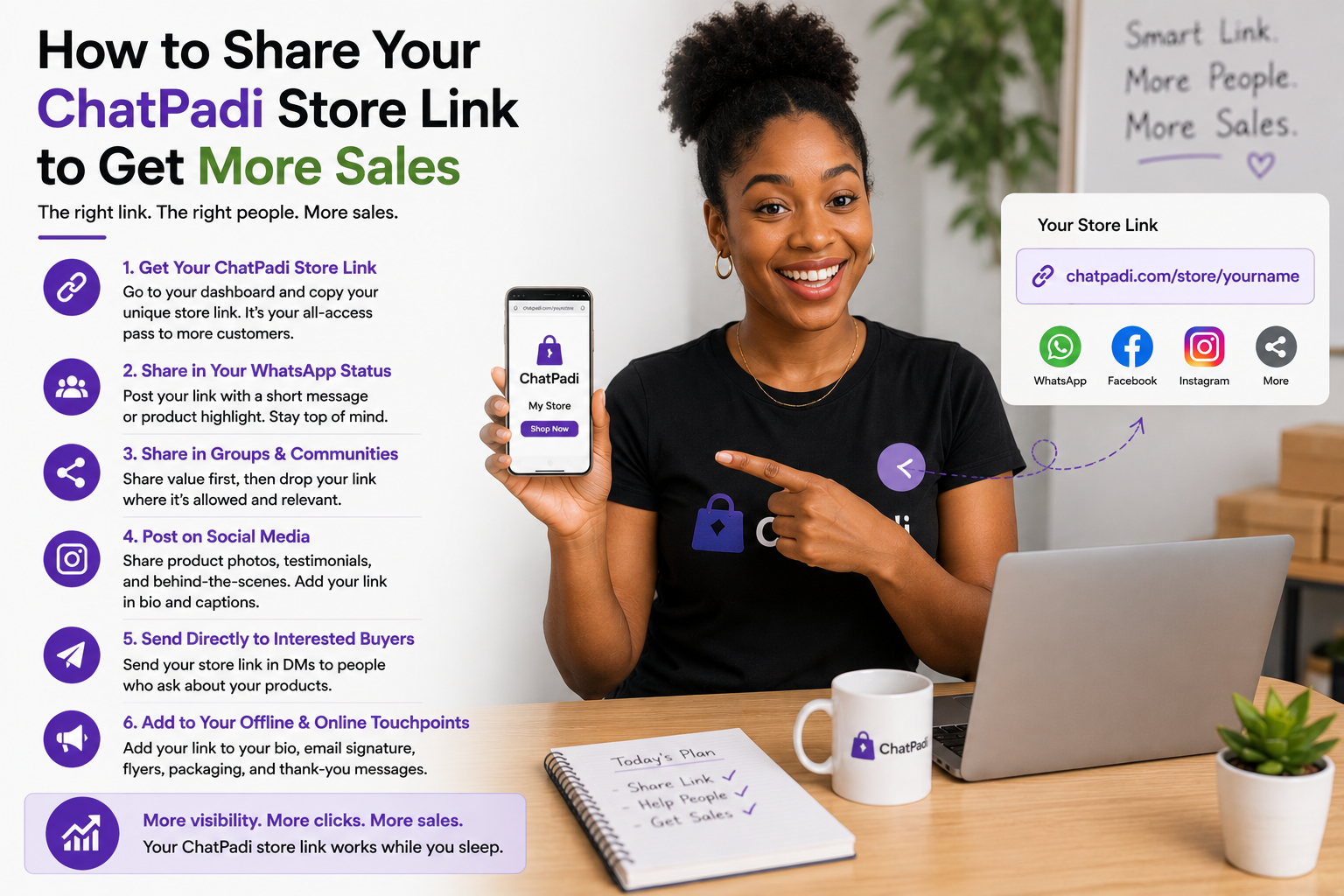
Access it at business.facebook.com or through the Meta Business Suite app. Connect your Facebook Page and Instagram Business account once, and both platforms are manageable from a single dashboard.
Buffer’s free tier covers 3 social channels with 10 scheduled posts per channel at any given time — so if you schedule 10, you need to post at least some before you can schedule more. It supports a wider range of platforms than Meta Business Suite: Instagram, Facebook, X/Twitter, LinkedIn, Pinterest, TikTok, Bluesky, and Mastodon.
The interface is clean and simpler than Meta Business Suite — easier to learn for someone new to scheduling. Basic analytics are included on the free plan (reach, engagement per post). No team collaboration on the free tier.
Metricool stands out on the free tier specifically for its analytics — it tracks reach, engagement, follower growth, and best times to post across connected platforms, with more depth than Buffer’s free analytics. For a business that wants to understand which content performs, not just schedule and publish, Metricool’s free tier provides more visibility than the alternatives.
Scheduling is included and covers Facebook, Instagram, X/Twitter, LinkedIn, TikTok, Google Business Profile, YouTube, Pinterest, and Twitch on the free plan. The 1-brand limit means all accounts managed together — a constraint that matters for agencies but rarely for solo business owners.
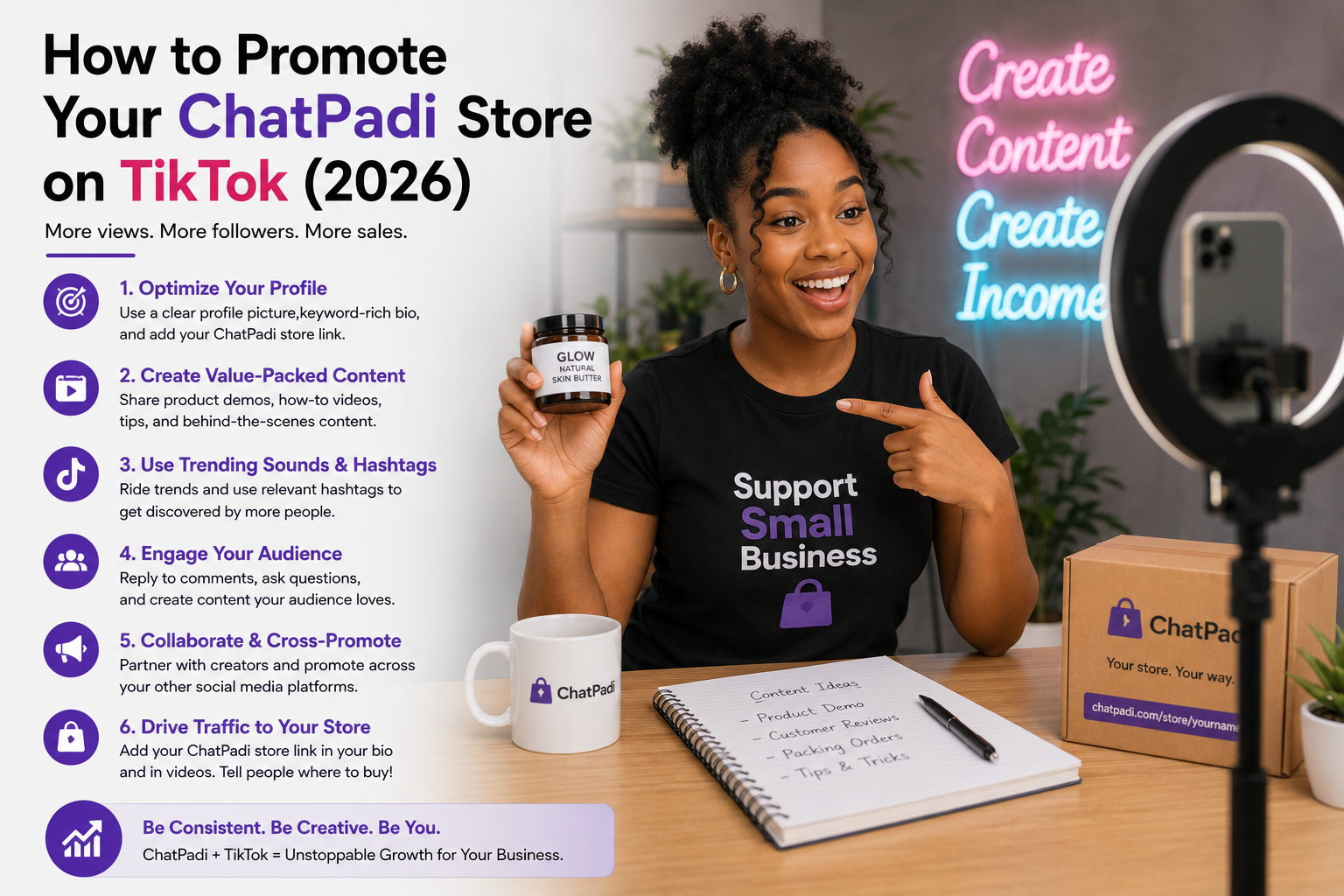
Publer’s free tier covers 3 social profiles with up to 10 posts scheduled per day. It includes Facebook, Instagram, TikTok, X/Twitter, LinkedIn, Pinterest, and Google My Business — one of the broader platform lists on a free tier. Particularly worth considering if TikTok is part of your content strategy, since genuinely free TikTok scheduling options are limited in 2026 (Buffer also supports it on the free tier, but Publer’s daily limit is more flexible than Buffer’s queue-based limit for high-volume posters).
Free Tier Comparison at a Glance
| Tool | Post Limit | Platforms | TikTok | Analytics | Best For |
|---|---|---|---|---|---|
| Meta Business Suite | Unlimited | Facebook, Instagram only | ✗ | Basic, native | Facebook/Instagram-focused businesses |
| Buffer | 10 queued/channel | Insta, FB, X, LinkedIn, TikTok, Pinterest, Bluesky, Mastodon | ✓ | Basic per-post stats | Multi-platform, clean interface |
| Metricool | Varies | FB, Insta, X, LinkedIn, TikTok, YouTube, Google Business, Pinterest | ✓ | Best free analytics | Businesses that want to measure performance |
| Publer | 10/day, 3 profiles | FB, Insta, TikTok, X, LinkedIn, Pinterest, Google My Business | ✓ | Basic | TikTok + multi-platform flexibility |
Native Schedulers You Already Have
Before adding a third-party tool, it’s worth knowing what each major platform already offers natively — free, no signup required beyond having a business account on that platform:
The Batching Workflow That Actually Fills the Queue
A scheduling tool without content is an empty pipe. Content batching — creating several posts in one dedicated session rather than one at a time as the posting day arrives — is what keeps the queue filled. A realistic batching session for a small business looks like this:
60–90 min
Daily
30 min
Before vs After: Content Creation Habits
Best Times to Post: A Realistic Guide
General best-times-to-post data is based on global averages and may not reflect your specific audience’s habits. The only timing data that actually matters is your own — which your scheduling tool’s analytics (or Meta Business Suite’s audience insights) will show you after a month or two of consistent posting. That said, these are reasonable starting points while you gather your own data:
7–9am, 11am–1pm
7–9pm (evening)
9am–12pm
6–9pm
6–10am
7–11pm
8–10am
Tues–Thurs best
8–11pm
Sat–Sun highest
lunch break and
evening downtime
Common Mistakes to Avoid
Frequently Asked Questions
Do scheduling tools reduce reach compared to posting natively?
This concern circulated widely around 2018-2020 and has largely been debunked for established third-party tools that use official platform APIs. Meta Business Suite, Buffer, Metricool, and Publer all publish via official API partnerships — they’re not “third-party” in a way Meta penalises. The nuance is that Instagram Reels and Stories posted via some third-party tools may occasionally show slightly different reach than native posts, but for standard feed posts the evidence for a systematic reach penalty from reputable schedulers is not convincing. Native posting tools (Meta Business Suite for Facebook/Instagram, TikTok Studio for TikTok) eliminate the question entirely if it remains a concern.
Can I schedule Instagram Stories and Reels with free tools?
Meta Business Suite schedules Instagram Stories and some Reels natively and for free. Buffer’s free tier supports Reels scheduling. Stories scheduling via third-party tools sometimes requires a mobile notification to publish manually rather than fully automatic publishing, depending on the content type and API access — check each tool’s documentation for the specific post types it can auto-publish versus notification-only publish on the free tier.
What content should I actually batch — what performs well on social media for small businesses?
The content that consistently outperforms “product photos only” for small businesses: behind-the-scenes of how the product is made or the service is delivered (builds trust), customer reactions or results (social proof), direct answers to the most common customer questions (saves and shares), and “day in the life” content showing the business owner (humanises the brand). The product photo has a role, but it rarely outperforms the above on engagement. A useful weekly content mix for a product business: 2 product posts, 1 behind-the-scenes, 1 customer result or testimonial, 1 educational or FAQ post.
How does this connect to the WhatsApp and payment automations in the rest of this series?
Social media scheduling sits at the top of the customer journey — it’s how someone discovers the business. The WhatsApp catalog guide covers what happens when they message to find out more. The WhatsApp confirmations and Flutterwave/Paystack guides cover what happens when they buy. Scheduling consistent social content feeds this funnel continuously without daily manual effort, which means the payment and order automations further down the chain have a consistent flow of new customers to process.
One Platform, One Session a Week, One Tool
The smallest viable system: pick Facebook and Instagram, use Meta Business Suite (free, unlimited, already available), spend 90 minutes on Sunday creating and scheduling the week’s posts, then engage with comments for 10 minutes each morning. That’s it. No paid tool, no complex workflow — just a system that runs while you’re focused on other parts of the business.
Add Buffer or Publer when TikTok or LinkedIn becomes genuinely part of your strategy — not before. Add Metricool when you want to understand the analytics behind what’s working. Scale the batching session and the content variety as the business grows. The tool is the last thing to worry about. The habit is the first.
More at OurInternetBusiness.com
Practical guides on automation, online business systems, and growing income from Ghana and across Africa. Visit OurInternetBusiness.com and bookmark it.