Why Your Instagram Bio Link Is Costing You Sales (And What to Do Instead)
Why Your Instagram Bio Link Is Costing You Sales (And What to Do Instead)
You post consistently. Your content gets saves and shares. People visit your profile. Then they look at the one link you are allowed to put in your bio, and most of them leave without buying anything. The problem is not your content. It is what happens after the click. This guide explains where the drop-off happens and exactly how to fix it.
Instagram gives every business account exactly one clickable link. Sellers spend months building audiences, crafting content, and posting consistently to drive people to that single link. And then the link sends them to a page that loses the majority of them before they ever buy anything.
This is one of the most common and most preventable reasons that Instagram sellers with engaged, loyal audiences are not making the sales their follower count would suggest they should be making. The content is doing its job. The bio link is not.
This guide breaks down exactly where the friction is, what the data says about how much it is costing you, and how sellers using platforms like ChatPadi have replaced the broken bio link experience with something that actually converts.
The Six Steps Between Your Post and a Purchase
When a potential customer sees your Instagram post and wants to buy, here is the exact journey they take through a standard bio link setup. Count the steps. Count the decisions. Count the moments where friction can cause them to give up.
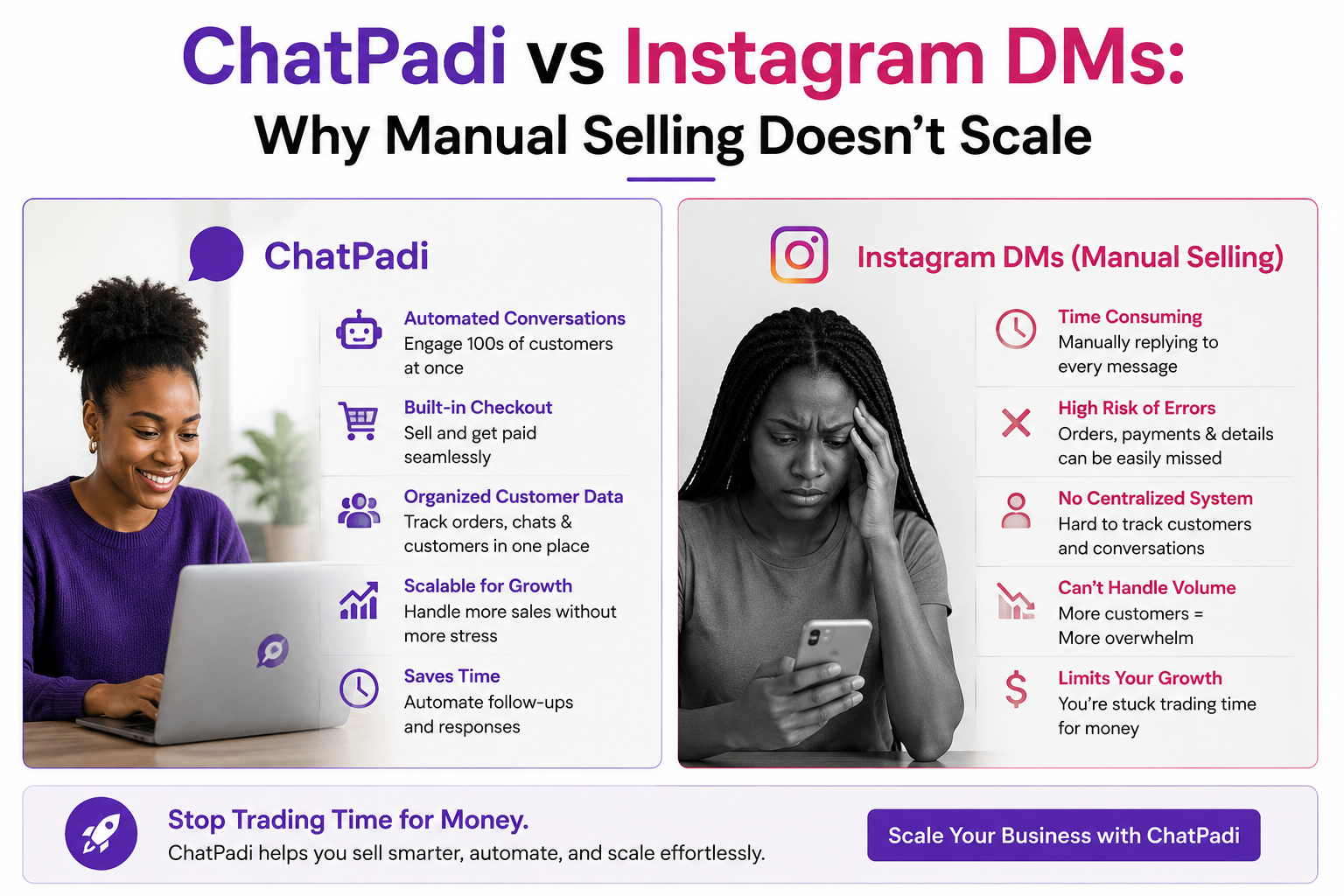
Six steps. Six decision points. Six moments where a customer who genuinely wanted to buy can give up and go back to scrolling. The average conversion rate at the end of this journey is approximately 1.4 percent of profile visitors. That means for every 1,000 people who visit your Instagram profile, roughly 14 buy something.
The math that should concern every seller: If you have 10,000 Instagram followers and 5% visit your profile in any given month, that is 500 profile visits. At a 1.4% conversion rate, that is 7 purchases from 500 people who were interested enough to visit your profile. If your average order is GHS 200, that is GHS 1,400 in monthly sales from Instagram. Fix the funnel to 5% conversion and the same audience generates GHS 5,000. Same content. Same followers. Different what-happens-after-the-click.
Why Most Bio Link Pages Make the Problem Worse
The standard advice for Instagram sellers is to use a link-in-bio tool like Linktree, Later, or Beacons, which creates a simple page with multiple buttons linking to different destinations. This solves the one-link-only constraint. It does not solve the conversion problem, and in some cases makes it worse.
The issue with a page full of buttons is that it creates more decisions rather than fewer. A customer who saw a specific dress in your post and tapped your bio link to buy it does not want to choose between “Shop Now,” “New Arrivals,” “DM to Order,” “WhatsApp Us,” “Our Story,” and “Contact.” They want to see the dress and buy it. Every button that is not “buy the dress” is friction.
The deeper issue is that all of these tools, generic link pages, websites, and standard e-commerce checkouts, were designed for desktop browsing behaviour. They assume the customer has a stable internet connection, a comfortable keyboard, and the patience to navigate a multi-step process. The majority of Instagram users in Africa and emerging markets are browsing on a mobile phone, on a data connection that may not be fast, with a thumb as their primary navigation tool. The funnel was not designed for them.
- Bio link points to a generic Linktree page with 8 buttons
- Customer has to choose which button is relevant to them
- Button goes to a website or store page that takes several seconds to load
- Customer has to navigate to the specific product they wanted
- Checkout requires account creation and card details
- Customer gives up and sends a DM asking how to buy
- Seller replies manually the next morning
- Customer has moved on
- Bio link goes to a focused ChatPadi store with a clear single action
- Customer opens AI chat and describes what they want in natural language
- Ama finds the product, answers questions, builds the cart
- No navigation required, no account creation, no website to load
- Customer pays via Mobile Money in the same conversation
- Gets an instant confirmation and tracking link
- Seller sees the order in their dashboard
- The whole process takes under five minutes
The Real Problem: Instagram Bio Links Are a One-Way Street
There is a deeper problem with the bio link model that even a well-designed landing page cannot solve. The bio link sends the customer away from Instagram, into a different environment, where Instagram has no visibility and where the seller has no real-time connection to that customer’s behaviour.
When a customer taps your bio link, leaves Instagram, and arrives at your page, Instagram cannot tell you what they did next. You cannot see whether they scrolled, what they looked at, or why they left. You get a click count and, if they complete a purchase, a conversion. Everything in between is invisible.
More importantly, the connection is severed. If the customer gets distracted and closes your page, there is no follow-up. They do not receive a message from you saying “you were looking at that bag, did you want to complete your order?” They are just gone.
Contrast this with what happens when a customer engages with your content directly in Instagram’s ecosystem, through a comment or a DM. That conversation stays inside Instagram’s inbox. You can follow up. You can answer questions. You can complete the sale in a channel where the customer is already comfortable and already present.
What the data says about DMs versus bio links
Research comparing bio link click-through rates with direct message delivery of the same links shows a consistent and significant gap. Bio links get 2 to 3 percent click-through rates from profile visitors. When a customer receives a product link directly in a DM, the click-through rate is 12 to 18 percent. That is a roughly six-times difference, from the same content, to the same audience, with the same offer.
The explanation is simple. A customer who messages you or comments on your post is demonstrating active intent. They are in the conversation already. Sending a link inside that active conversation meets them exactly where they are. Asking them to visit your profile, find your bio link, and navigate to an external page asks them to do six things before they can buy. Every step is a chance to lose them.
This is why high-performing Instagram sellers are shifting from a “post and point to bio” model to a “post and engage in conversation” model. The mechanics of how that works at scale without requiring the seller to personally manage every DM is covered in the WhatsApp automation guide on this blog.
What to Do Instead: The ChatPadi Bio Link Strategy
The solution is not to abandon the bio link. Instagram’s single bio link slot is still valuable real estate and worth optimising carefully. The solution is to change what the link goes to and what happens when someone arrives there.
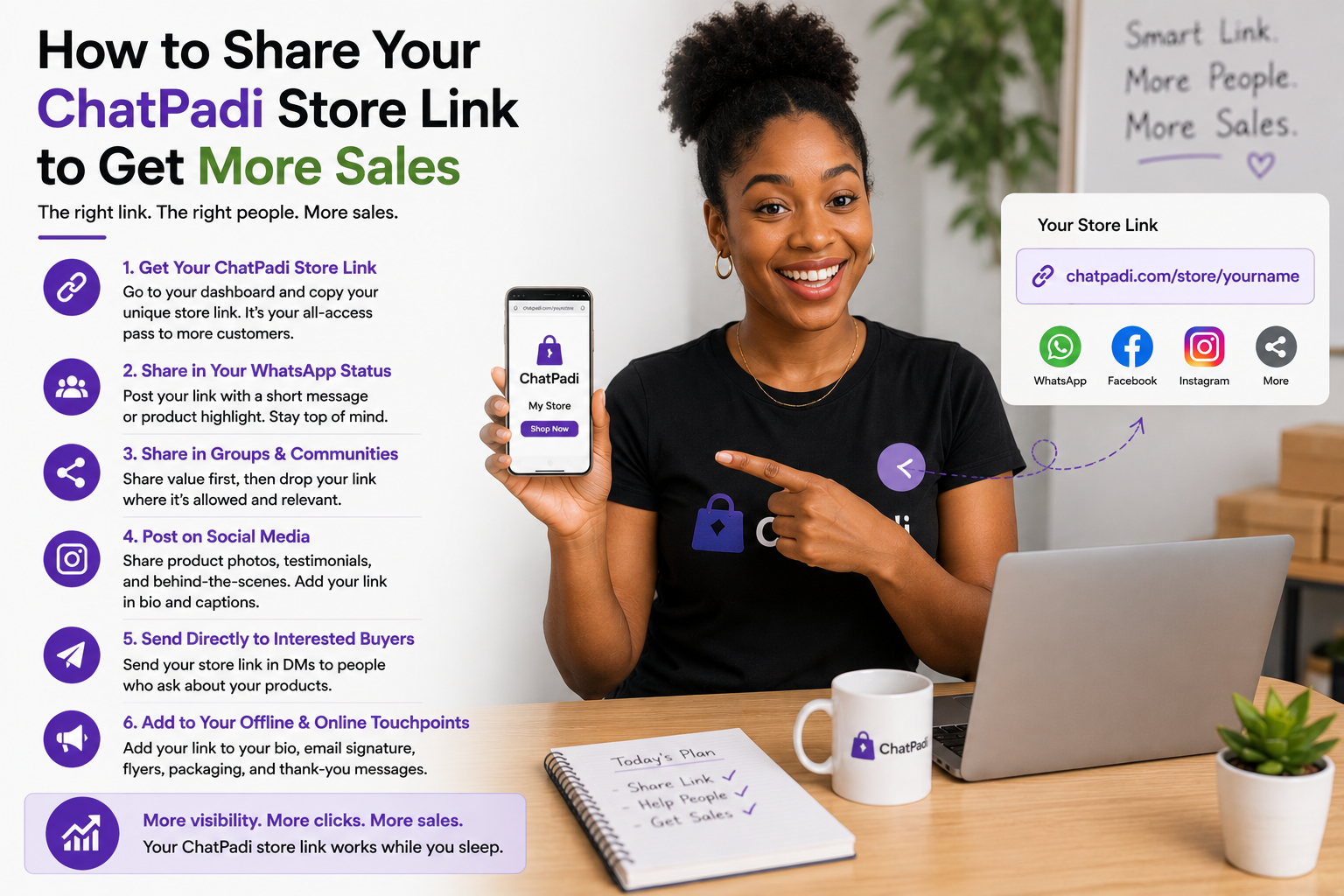
Instead of sending people to a generic landing page with multiple options or directly to a website they have to navigate alone, the bio link should go to a ChatPadi store that immediately opens a conversation with an AI agent who can answer questions, recommend products, and take the order within minutes of arrival.
Here is the customer experience when the bio link goes to a ChatPadi store:
chatpadi.app/track/[reference]. The seller sees the new order in their ChatPadi dashboard immediately. No manual message required from the seller at any point in this journey.How to Write Your Instagram Bio to Drive Clicks to Your Store
Changing where the bio link goes is half the solution. The other half is the bio text itself, which determines whether anyone clicks the link in the first place.
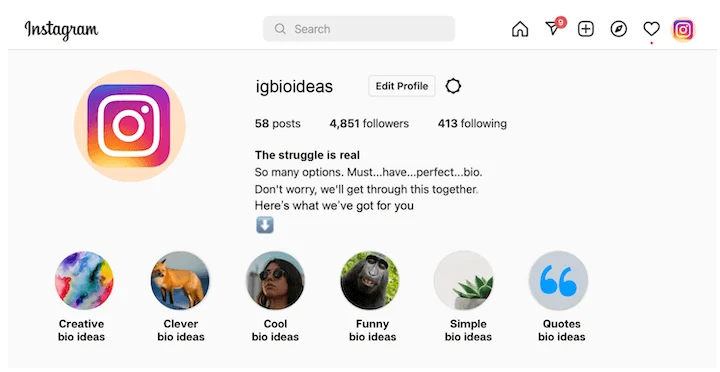
An Instagram bio has 150 characters. Used well, those characters do three things: tell the visitor exactly who you are and what you sell, make clear why they should buy from you specifically, and give them a direct instruction to take the next step.
The structure that works
Line 1 (what you do and who you serve): “Handmade Ankara bags. Ships across Ghana.” This is clear and immediate. Anyone reading it knows in two seconds whether your account is relevant to them.
Line 2 (a reason to trust or a specific hook): “100% handmade. 500+ happy customers.” Social proof in your bio, even a single statistic or claim, increases the probability that a curious browser becomes a buyer.
Line 3 (the action): “Tap the link to shop or ask Ama anything.” This is specific and tells the visitor what the link does. “Link in bio” as a call to action is vague. “Tap the link to shop or ask Ama anything” sets an expectation of what will happen and what they will be able to do.
On using emojis in the bio: Emojis in Instagram bios are widely used and can help the text scan faster on mobile. Use them to separate sections visually rather than as decoration. A single relevant emoji at the start of each line (a shopping bag for products, a truck for delivery, a link symbol for the bio link) improves readability without looking cluttered. Avoid using so many that the bio becomes difficult to read quickly.
Where to put your ChatPadi link
Instagram allows the bio link to be added in the profile settings under Website. This is the only clickable link in a standard Instagram bio. Add your ChatPadi store URL here: chatpadi.app/store/[your-store-name]. If your store URL is long, use a short link via Bitly or similar to keep the display clean.
You can also add your store link in the following places on Instagram that many sellers overlook:
- Instagram Stories: The link sticker in Stories is available to all accounts regardless of follower count. A story showcasing a product with a direct link sticker pointing to your ChatPadi store converts significantly better than “link in bio” because it shortens the journey from two steps to one.
- Reels descriptions: While links in Reel descriptions are not clickable, you can use “Link in bio” here and ensure your bio link destination matches the content of the Reel. If the Reel features a specific product, consider updating your bio link temporarily to point directly to that product or a search for it in your ChatPadi store.
- DMs (automated or manual): As covered in the WhatsApp automation guide, sending your store link directly in a DM to someone who comments or enquires converts at roughly six times the rate of a bio link click.
Practical Steps to Fix Your Instagram Bio Link Today
The result you are working toward: A customer sees your Instagram post, taps your bio link, starts a conversation with Ama, gets their question answered instantly, and completes a purchase in under five minutes. No website navigation. No checkout friction. No waiting for a manual reply. The same Instagram content you are already posting drives sales that complete themselves while you focus on other parts of the business.
Common Questions
Will changing my bio link hurt my existing follower engagement?
No. Your bio link change does not affect your content, your reach, or your engagement rate on posts. It only changes where people go when they tap that specific link. Your existing followers will not notice the change unless they visit your profile and tap the link, at which point they will find a better experience than before.
What if I want to keep selling via DM as well as through ChatPadi?
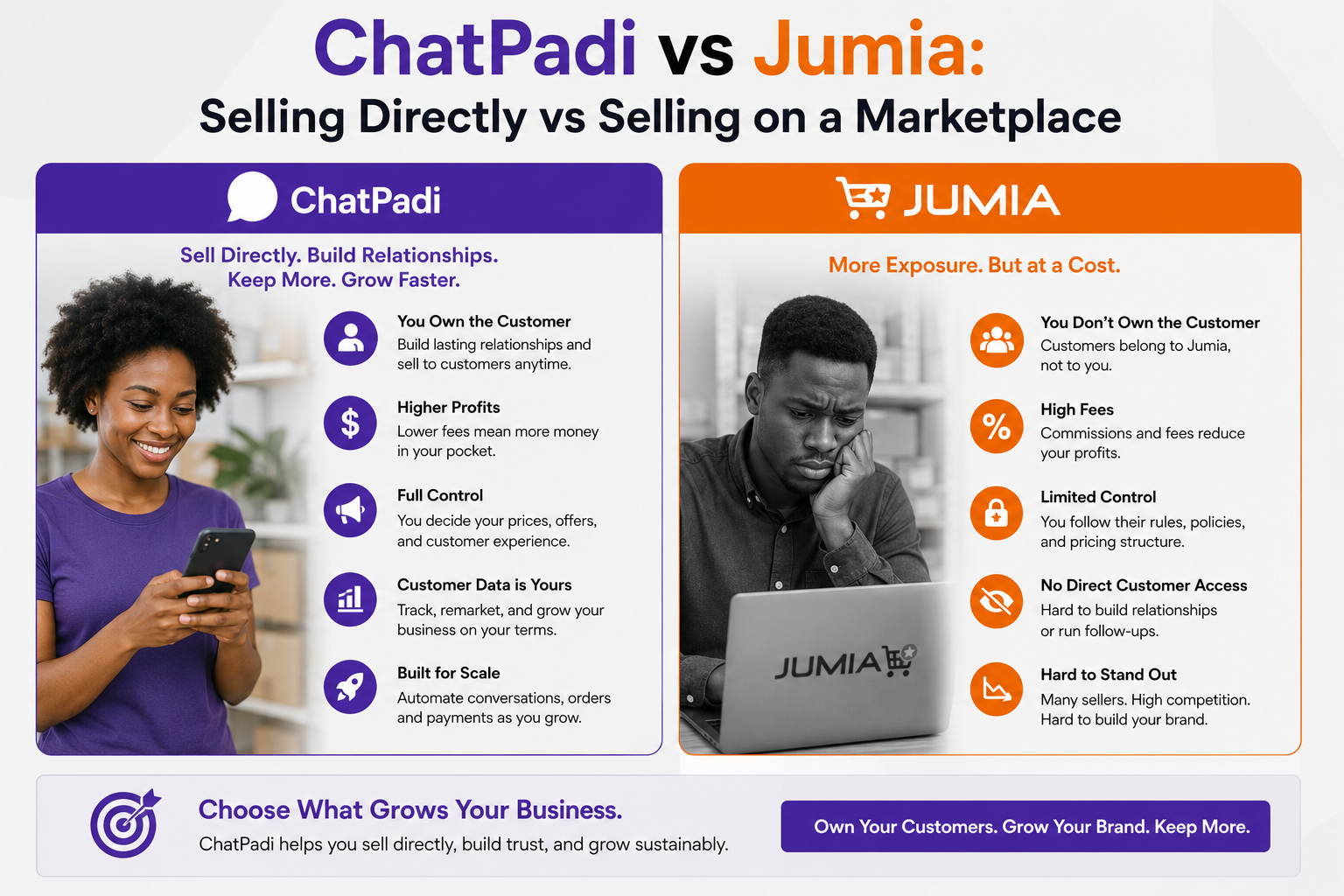
ChatPadi and Instagram DMs operate independently. Customers who prefer to message you directly on Instagram can still do so. ChatPadi handles the customers who come through the bio link or WhatsApp channel. Many sellers run both simultaneously, with Ama handling the automated volume and the seller personally managing a smaller number of direct Instagram DM conversations for customers who prefer that channel. The goal is not to force every customer through one channel but to ensure that the channel you are actively directing people to (the bio link) gives them the best possible experience.
How long does it take to set up a ChatPadi store?
Most sellers complete the initial setup in under an hour. The three-step wizard covers your store name and country, your product catalogue, and your payment methods. Once those three steps are done, your store link is live and Ama can start handling conversations. See the pricing page for plan details. The starter tier is free with no credit card required.
What if my products change frequently?
Your ChatPadi catalogue can be updated at any time from your seller dashboard. When you add, edit, or remove a product, Ama starts working with the updated information immediately. For sellers with fast-moving stock, such as food businesses with daily specials or fashion sellers with limited quantities, updating the catalogue is the most important maintenance habit. Ama only knows what is in the catalogue, so keeping it current ensures customers always get accurate information.
Replace Your Bio Link With a Store That Actually Sells
Set up your free ChatPadi store in under an hour. Put the link in your Instagram bio. Let Ama turn every profile visit into a conversation and every conversation into a sale.
Start Your Free StoreFree to start. No credit card required. Live in under an hour.