ChatPadi vs WhatsApp Business: What Is the Difference?
ChatPadi vs WhatsApp Business: What Is the Difference?
WhatsApp Business is a free app that helps you communicate with customers. ChatPadi is an AI-powered storefront that uses WhatsApp to sell for you automatically. They are not the same thing, they are not competing for the same job, and most sellers who use ChatPadi still use the WhatsApp Business app too. This guide explains what each one does, where each one falls short, and how they fit together.
The confusion between these two things is understandable. Both involve WhatsApp. Both are relevant for sellers who take orders through messaging. But they operate at completely different levels of capability, and understanding the difference helps any seller decide what they actually need and when.
What WhatsApp Business App Does Well
The WhatsApp Business app is genuinely useful, particularly for sellers who are just getting started with formalising their business on WhatsApp. It is free, takes minutes to set up, and adds several features that the regular WhatsApp app does not have.
What it does well:
- Business profile: Your business name, description, address, website, email, and business hours all appear on your profile page. Customers who visit your profile see a legitimate business, not just a phone number.
- Product catalogue: You can list up to 500 products with photos, descriptions, and prices, which customers can browse directly in the app. Our guide on how to build a WhatsApp catalog covers this in full.
- Quick replies: Saved responses triggered by a shortcut. Type “/” and a keyword and a pre-written response sends automatically. Useful for the questions you answer every day.
- Greeting and away messages: Automatic messages sent to new contacts (greeting) or outside your configured business hours (away). Basic, but genuinely useful for setting expectations.
- Labels: Colour-coded labels to organise chats (New Customer, Pending Payment, Order Complete etc.), making it easier to track where each customer is in the process.
- Up to 5 linked devices: The free app allows up to 5 devices connected to the same number simultaneously, useful for a small team.
The honest summary: WhatsApp Business app is a well-designed tool for the manual phase of building a business on WhatsApp. Every seller should use it. The question is what happens when the volume of conversations grows beyond what one person can manually manage, or when you want to stop being the bottleneck in your own sales process.
Where WhatsApp Business App Hits Its Limits
The WhatsApp Business app is a communication tool. It makes it easier for you to talk to customers. It does not sell to them on your behalf. Every conversation still requires a human at the keyboard.
The specific limitations that matter for growing sellers:
- Broadcast limit of 256 contacts. You can only send a broadcast message to 256 people at a time, and only those who have your number saved in their contacts will receive it. This is a hard ceiling on your marketing reach within the app.
- No real automation. Quick replies, greeting messages, and away messages are not automation. They are pre-written manual responses. There is no system that can understand a customer’s question, look up a product, and respond intelligently. Everything beyond a simple template requires a person to type.
- No order management. There is no order system built into WhatsApp Business. Orders that come through WhatsApp have to be manually noted, tracked, and fulfilled by the seller. There is no dashboard, no order confirmation system, and no tracking for customers.
- No payment integration. WhatsApp Business does not process payments. Payment happens in a separate channel: a mobile money transfer, a bank transfer, a link to a payment page, all managed separately and reconciled manually.
- The seller is the bottleneck. No matter how well you configure the WhatsApp Business app, every conversation that results in a sale requires you to be actively present, reading messages, responding, confirming orders, and chasing payments. You cannot serve more customers than you can personally message per day.
The ceiling this creates: According to research on WhatsApp selling at scale, the WhatsApp Business app works for micro-businesses handling around 20 to 30 daily conversations manually. Beyond that, the manual workload becomes a constraint that limits growth more than any other factor in the business.
Feature-by-Feature Comparison
| Feature | WhatsApp Business App | ChatPadi |
|---|---|---|
| Cost | Free | Free to start (paid tiers available) |
| Product catalogue | Yes (up to 500 items) | Yes (unlimited, AI-readable) |
| Automated responses | Basic (greeting, away, quick replies only) | Full AI conversation handling |
| Understands natural language | No | Yes (powered by Anthropic Claude) |
| Takes orders automatically | No | Yes (cart, delivery details, confirmation) |
| Payment processing | No | Yes (MoMo, Paystack, Flutterwave, Stripe, COD) |
| Order dashboard | No | Yes (all orders, payment status, history) |
| Customer tracking link | No | Yes (auto-generated per order) |
| Operates outside business hours | Away message only | Full order taking and payment 24/7 |
| Multiple payment methods | No | Yes (all major methods) |
| Works on WhatsApp | Yes | Yes (via WhatsApp Business API) |
| Works on web (store link) | No | Yes (chatpadi.app/store/yourname) |
| Seller notification on new order | No | Yes (email + dashboard) |
| Escalation to human | N/A (always human) | Yes (automatic when needed) |
| Broadcast limit | 256 contacts | No limit via WhatsApp API |
The Same Situation Handled by Each
Comparing feature lists is useful. Comparing how each handles an actual customer situation is more revealing.
How They Work Together
ChatPadi and the WhatsApp Business app are not alternatives to each other. Most sellers who use ChatPadi also use the WhatsApp Business app, because the two serve different functions.
The practical combination
The WhatsApp Business app handles your WhatsApp Business profile, your official catalogue (which serves as a browsable product listing even before customers start a conversation), your quick reply shortcuts for your most common manual interactions, and the basic branding of your WhatsApp presence.
ChatPadi’s Ama connects to your WhatsApp Business number via the Meta WhatsApp Cloud API and handles the actual conversations. When a customer messages your number, Ama receives the message and responds, using your ChatPadi product catalogue and policies as the source of information. The seller only gets involved when Ama escalates a conversation that needs human judgment.
The result is a WhatsApp presence that has the professional appearance of a well-configured WhatsApp Business profile, plus the sales automation of an AI agent that handles orders and payments around the clock. Neither tool alone provides both. Together, they do.
For a detailed look at what WhatsApp automation looks like in practice for African sellers, OurInternetBusiness.com has a full guide on setting up automated WhatsApp customer support.
Which One Do You Need Right Now?
Start with WhatsApp Business App if:
- You are completely new to using WhatsApp for business and want a no-cost starting point
- You receive fewer than 20 to 30 customer messages per day and can manage them manually
- You want a professional business profile before adding automation
- You want to build your product catalogue and get familiar with WhatsApp Business features first
Add ChatPadi when:
- You are spending more than an hour a day answering customer messages manually
- You are missing customer messages that arrive outside your working hours
- You want orders taken and paid automatically without your involvement
- You are ready to serve more customers than you can personally handle at once
- You want an order management dashboard rather than tracking everything in your head
For many sellers, both answers are true simultaneously. You should have WhatsApp Business set up as your professional baseline, and you should add ChatPadi as soon as message volume starts limiting your capacity to grow. The free ChatPadi Starter plan costs nothing to try, so the moment you want to test whether automation makes a difference for your specific business, there is no reason to wait.
Common Questions
Do I need to give up my WhatsApp Business number to use ChatPadi?
No. Your WhatsApp Business number remains yours. ChatPadi connects to it via the Meta WhatsApp Cloud API, which means Ama handles incoming messages on your number without you changing the number or losing your chat history. Customers continue messaging the same number they already know.
Will my customers know the difference?
From a customer’s perspective, they are messaging your WhatsApp Business number and getting a fast, helpful response. Most customers are far more focused on whether their question gets answered quickly and accurately than on whether a human or an AI typed the response. If a customer directly asks whether they are talking to an AI, Ama answers honestly.
Can I still reply personally to customers if I want to?
Yes. You can step into any conversation in your ChatPadi dashboard at any time. Ama handles what she can automatically, escalates what she should not handle alone, and you can take over any conversation whenever you choose. The automation is additive, not restrictive.
Does ChatPadi replace the need for a website?
For most small sellers, yes. ChatPadi gives you a shareable store link at chatpadi.app/store/yourname that functions as a full storefront: customers can browse your products, chat with Ama, and complete purchases without a separate website. For sellers who already have a website or WooCommerce store, ChatPadi operates as a complementary WhatsApp and chat channel alongside it. OurInternetBusiness.com covers the best WooCommerce plugins for African stores for sellers managing both channels.
Is ChatPadi only for WhatsApp sellers?
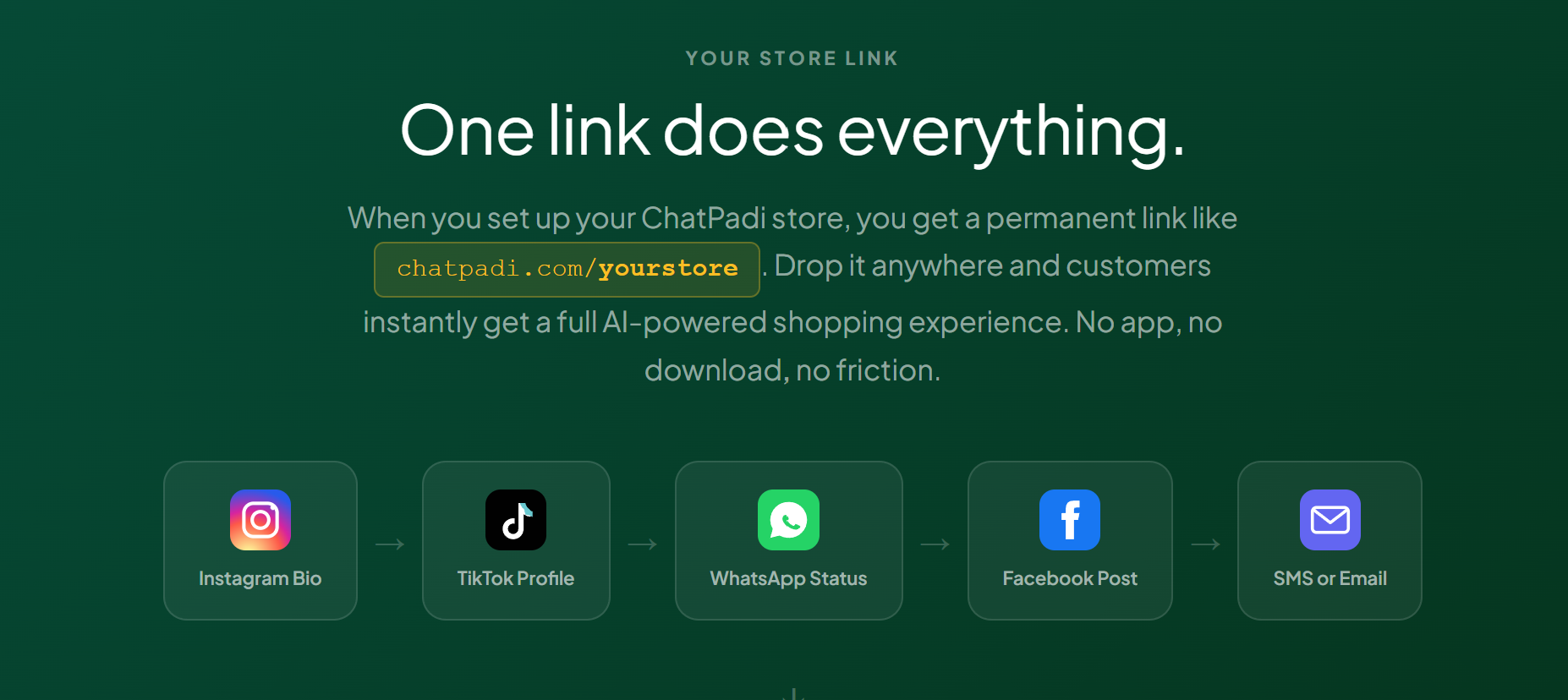
No. ChatPadi works for any seller who wants an AI storefront, regardless of whether they were previously selling on WhatsApp. Instagram sellers, TikTok sellers, Facebook sellers, and sellers with no prior digital presence all use ChatPadi. The WhatsApp connection is one channel among several. The core product is the AI-powered store that can be reached from any link, anywhere.
See What ChatPadi Adds to Your WhatsApp
Set up your free store in minutes. Connect your WhatsApp number. Let Ama handle conversations automatically while you focus on fulfilment.
Start Free TodayFree to start. No credit card required. Works alongside your existing WhatsApp Business setup.